
Video Transcription: Convert Video to Text Automatically
Subly's video transcript generator turns any video or audio file into accurate, searchable text. Transcribe video to text in 100+ languages. Export transcripts for documentation, compliance, SEO, or content repurposing.

How to Transcribe Video to Text with Subly
Our automated video transcription streamlines the process from start to finish.


Trusted by thousands of organisations in the US and worldwide




What Is Video Transcription?
Video transcription converts spoken audio into a written text document. Unlike captions (which display on-screen during playback), a transcript is a standalone file — readable, searchable, and usable independent of the video.
Transcripts serve multiple purposes:
- Accessibility: Deaf, hard-of-hearing, and deafblind users can read content they can't hear. WCAG requires transcripts for audio-only content (SC 1.2.1) and allows them as an alternative to audio description (SC 1.2.3).
- Documentation: Create written records of meetings, interviews, lectures, webinars. Archive and search your video library by text.
- SEO: Search engines can't watch video. Transcripts make your video content indexable, improving visibility in search results.
- Repurposing: Turn one video into blog posts, social content, training materials, knowledge base articles.
Subly's AI video transcription handles all of this automatically. Upload video, get transcript, export in whatever format you need.
Descriptive Transcripts — Full Accessibility for Video
A standard transcript captures speech. A descriptive transcript goes further — it includes descriptions of visual information needed to understand the content.
Think of it like a screenplay: dialogue, speaker identification, AND descriptions of actions, scenes, on-screen text, facial expressions, relevant visual context.
Why it matters for compliance:
Descriptive transcripts are essential for deafblind users who can't access captions or audio descriptions. They also benefit users who process text better than audio/visual content.
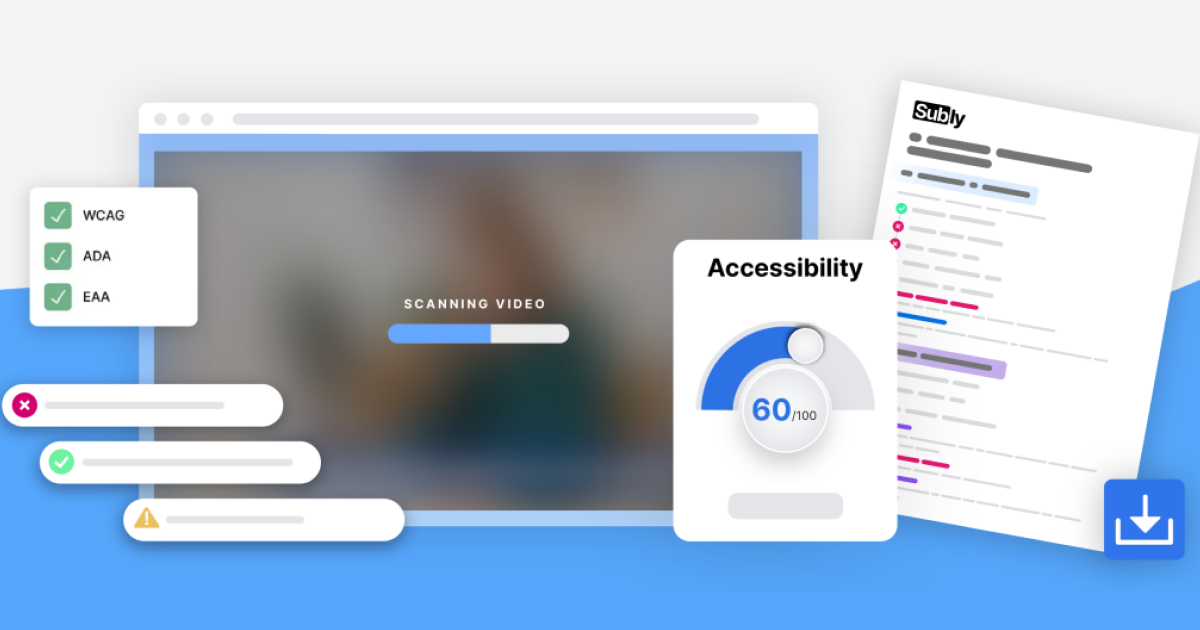
Subly generates transcripts with visual context included — not just what's said, but what's shown. Meet WCAG requirements without manual scripting.
Built for Scale, Speed, and Simplicity
Subly’s enterprise-grade platform automates audio description across entire video libraries. Process thousands of files faster, more accurately, and up to seven times more affordably than manual production.
Process thousands of videos with enterprise infrastructure
Minutes, not days. AI-powered automation.
Cut costs vs manual production.
Captions, audio descriptions, transcripts, translation — one platform.
Who Needs to Video Transcription?
Whether you want to cut the manual work or make sure every video is compliant before it becomes an issue - Subly does the heavy lifting.


Government & Public Sector
- Public meeting records
- Accessibility compliance
- Section 508 documentation

Transcription Is Just Part of the Platform
Subly covers every accessibility requirement for video content:
Captions & Subtitles
Transcriptions
Audio Descriptions
Localisation & Translation
Subtitle Editor
Colour Contrast
Descriptive Transcripts
Frequently Asked Questions
We've got answers! Browse through our FAQ section to find quick solutions and detailed explanations to some of the most common queries. Whether you're just getting started or need specific guidance, our comprehensive FAQs are here to assist you every step of the way.
Request a demo
are already on it.
Captions display on-screen during video playback — synced to audio, designed for viewing alongside video. Transcripts are standalone text documents — readable without the video, searchable, exportable. Subly generates both from the same source file.
Accuracy depends on audio quality, accents, and background noise. Clear audio with single speakers = high accuracy. Complex audio with multiple speakers or technical terminology = use human transcription for 99%+ precision.
Transcripts export as TXT or DOCX. Timed transcripts export as SRT, VTT, TTML, or XML for use as subtitles.
A transcript that includes both spoken content AND descriptions of visual information — actions, scene changes, on-screen text, facial expressions. Required under WCAG for video-only content and accepted as an alternative to audio description.
Yes. Upload any audio file and Subly transcribes it. You can also add an image to audio and convert it to video with subtitles.
WCAG 2.1 requires transcripts for audio-only content (SC 1.2.1). Descriptive transcripts satisfy requirements for video-only content and can substitute for audio description at Level A (SC 1.2.3). At Level AAA (SC 1.2.8), descriptive transcripts are mandatory for all prerecorded media.
